
Import and read
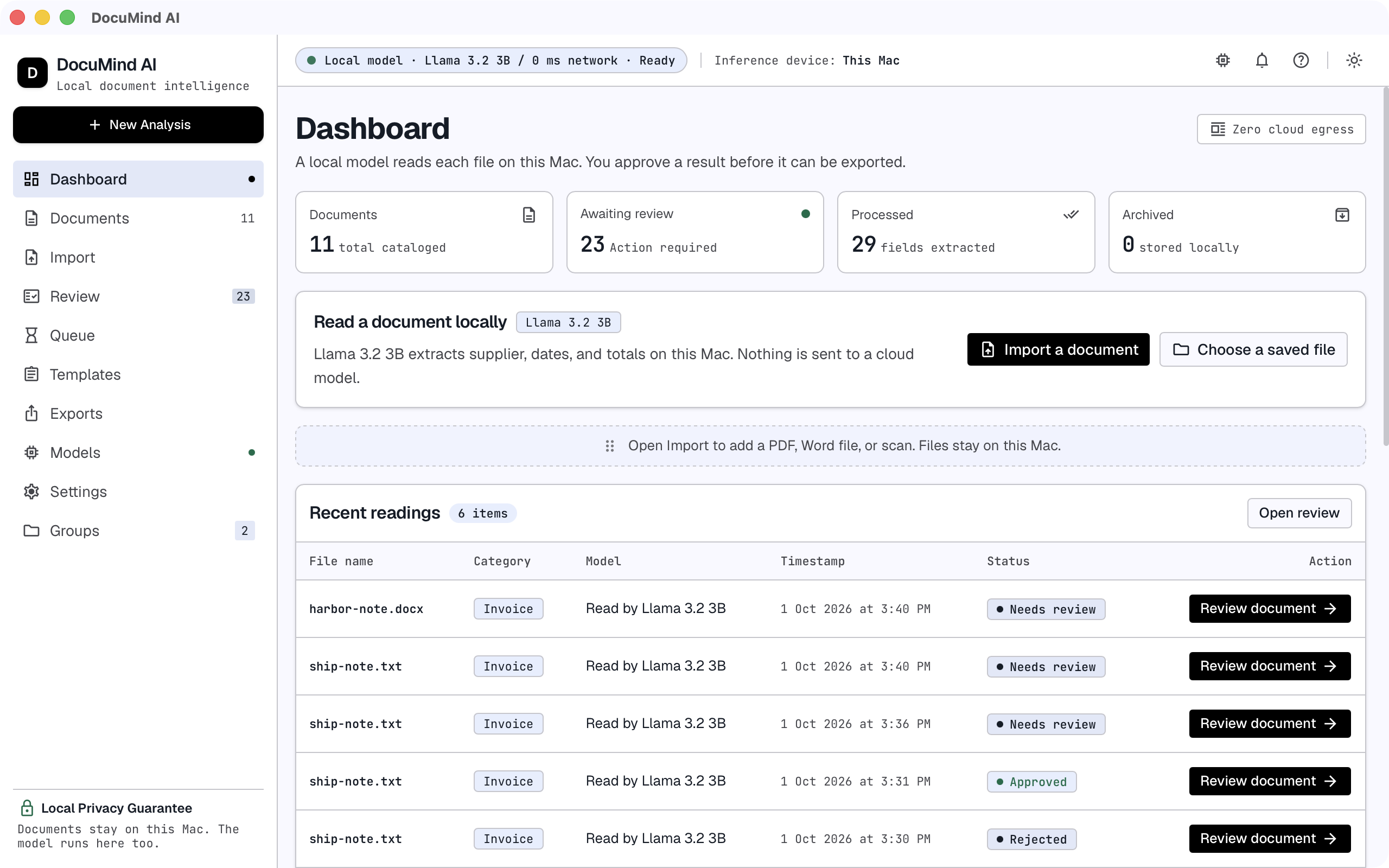
Import a document. The desktop workflow uses embedded text or local OCR, then a local model to propose structured fields.
DOCUMIND AI / LOCAL DOCUMENT WORKFLOWS
Extract invoice fields on your Mac. Compare each value with its source, correct what needs attention, and approve the record before export.
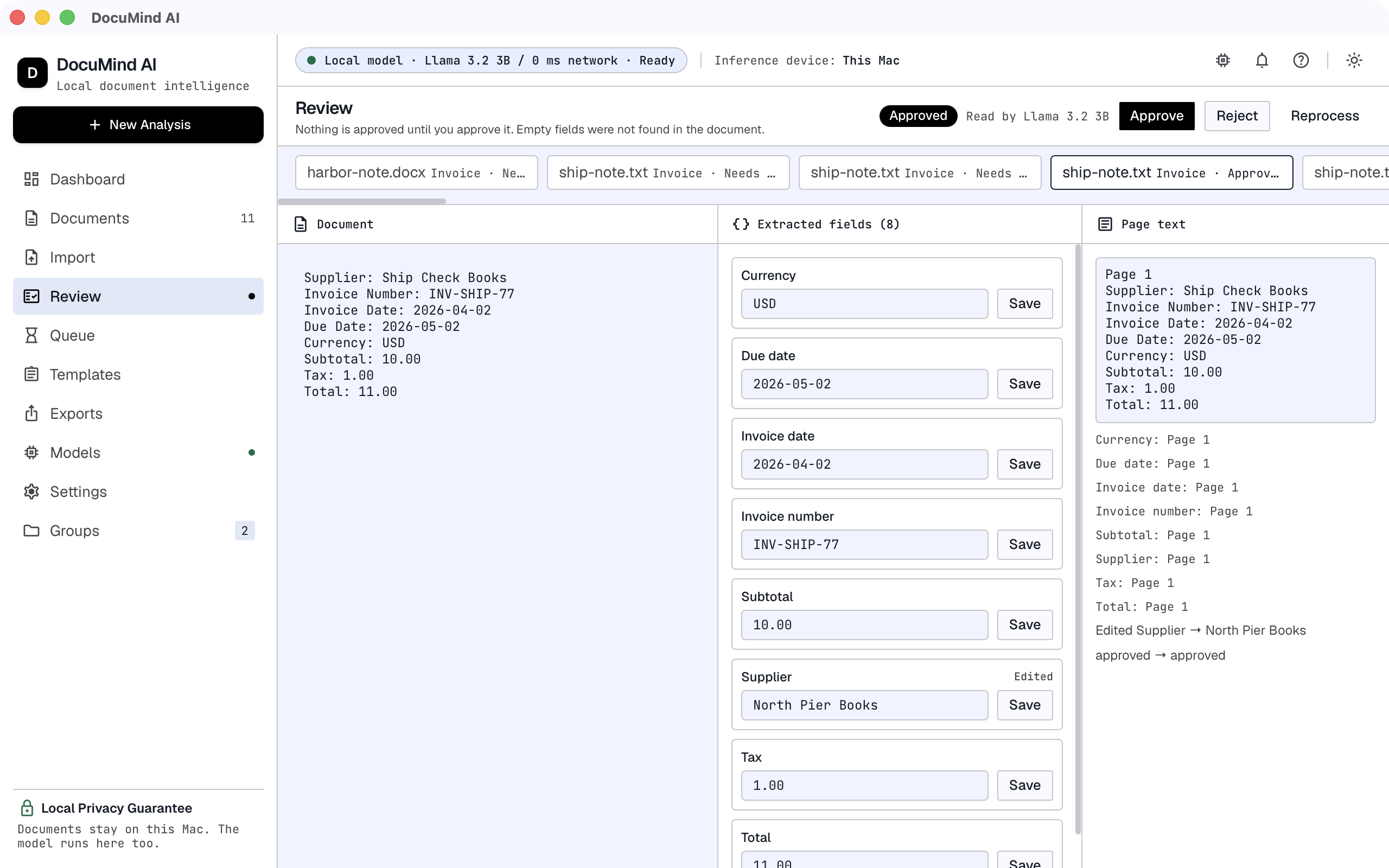
INSIDE THE DEVELOPMENT BUILD
Import a document. The desktop workflow uses embedded text or local OCR, then a local model to propose structured fields.
Compare proposed values with the source. Edit a field, reject a result or reprocess a document when it needs another look.
Approve the reviewed record. The default export includes approved records, with XLSX, CSV and JSON formats supported by the development build.
A CONCRETE EXAMPLE
A synthetic test document from the project’s sample corpus. The table shows its expected values, not a live extraction running in this browser.
Supplier: Cedar Office Supply
Invoice Number: INV-33007
Invoice Date: 2026-07-21
Due Date: 2026-08-20
Currency: USD

Line Items:
Binder pack x 5 @ 6.00 = 30.00

Subtotal: 30.00
Tax: 0.00
Total: 30.00
Download synthetic sample
| Field | Expected value |
|---|---|
| Supplier | Cedar Office Supply |
| Invoice number | INV-33007 |
| Invoice date | 2026-07-21 |
| Due date | 2026-08-20 |
| Currency | USD |
| Subtotal | 30.00 |
| Tax | 0.00 |
| Total | 30.00 |
No real customer or financial data is used in this sample.
THE ENGINEERING CHOICE
A value appearing in a document does not guarantee that the model assigned it to the right field. That is why DocuMind puts source evidence beside editable results and includes an explicit approval step.
The project’s documented tests include missed receipt fields and an invoice schema applied to the wrong document type. These are useful limits to design around, not a reason to hide the original page.
Local OCR and model tools need to be installed and available. Results depend on document quality, layout and the model. Screenshots show a development build; they are not an accuracy benchmark or a promise that every document will work.
BUILD A SIMILAR WORKFLOW
Tell us what arrives, which fields matter and who checks the result. We can scope the review experience and integrations around your team.
DocuMind AI is in development. Visit its product site for updates ↗
Interested in the business or source code? Make an acquisition enquiry →